

Concerts & live shows
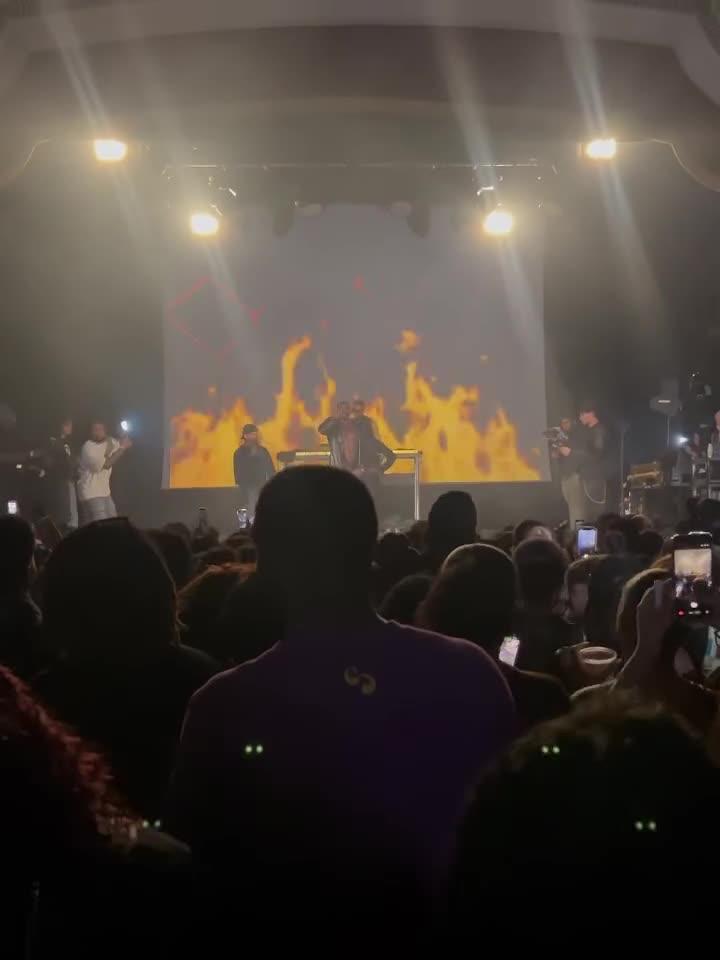
Imagine visual worlds that build around an artist's performance.
How to VJ: A beginner’s guide to live visuals with taste.
Love music? Been wondering how to get into creative tech? Start with the screens at your favourite shows.
You’ll learn to pick clips, time your cuts and mix visuals live in Resolume. By the end, you’ll have your first 60-second visual mix and the skills to start making visuals for your favourite artist’s tracks or your own installations.
12 short lessons. Follow-along slides. A starter clip pack.
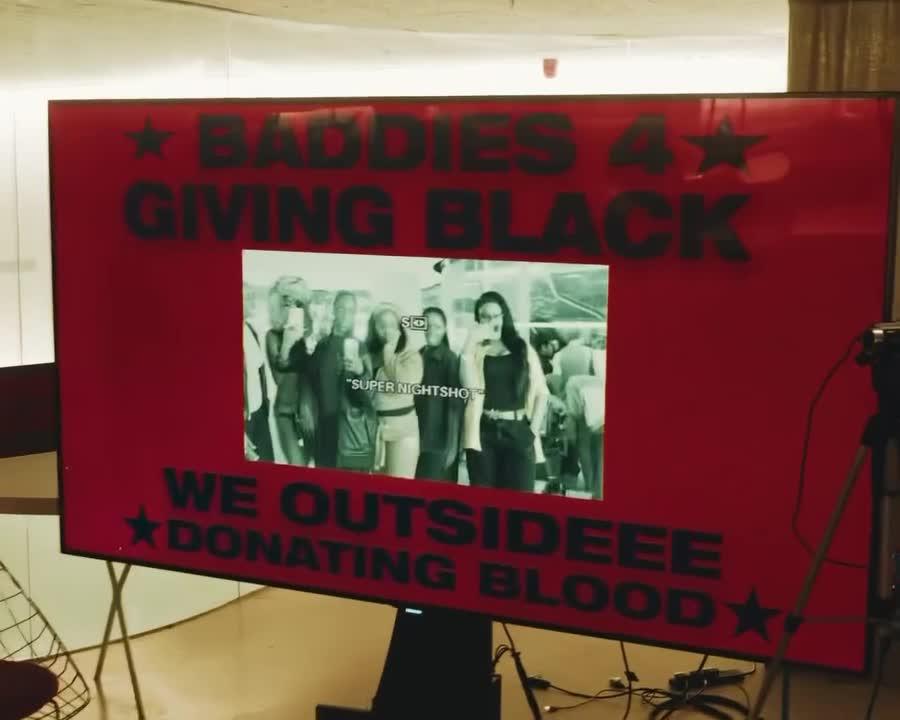
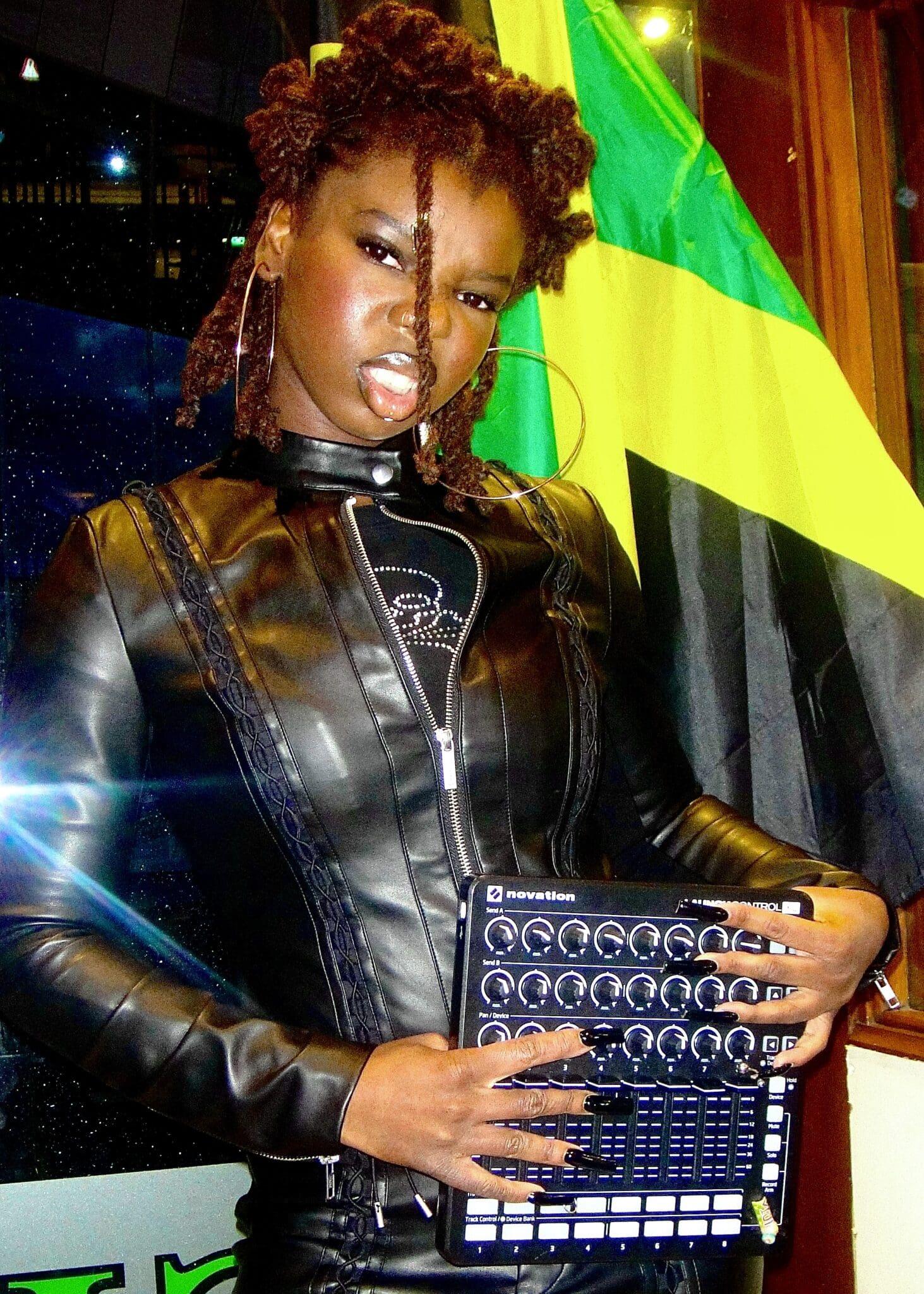
Photo credits: @fernadaimages
I'm Tia, a creative technologist and live visual artist from North London. I create visuals for the music and culture I love, especially R&B, hip-hop and experimental sounds. My background in Creative Computing at UAL brought together my interests in art, technology and building visual worlds.
When I discovered VJing, I wanted to make the kind of visuals I imagined behind my favourite artists. But learning meant piecing together scattered tutorials. I could find explanations of the buttons, but I wanted to understand how to create rhythm, feeling and a visual identity around the music.
I taught myself through experimentation and performing. Within my first few months, I worked on live visuals for JELEEL!, was featured in Clash Magazine and created my own exhibition. My work has also included live-camera visuals and projection for Giving Black Social, bringing guests into the visual experience.
I made VJ Beginners Bootcamp to give you what I needed at the start: clear technical foundations, space to explore your ideas and a practical first project. Across 12 short lessons, I'll guide you towards a 60-second visual mix you can practise, share and keep developing in your own style.
Imagine your visuals at the R&B and rap shows, contemporary art exhibitions, DJ sets and pop-ups you already love. You can start creating before you ever land a booking.
Imagine visual worlds that build around an artist's performance.

Mix visuals in real time to complement the rhythm, mood and energy.

Give your ideas a moving-image identity, from experiments to performances.

Explore visuals that transform spaces into immersive experiences.
No previous VJ experience needed. Start with the foundations of live visual mixing, then practise at your own pace.
12 short, focused lessons · learn at your own pace
Learn the culture, creative thinking and technical foundations, then put them into practice. Course and resource updates are provided quarterly. Review the lesson slides alongside the videos for extra tips that are not covered in the recordings.
Build the mindset before the mechanics. Where live visuals come from, and how to find your own.
The technical craft, hands on. From a blank Resolume project to a performance ready setup.
Get Think Like a VJ: Your First Set, a free guide to get you moving before day one.
Free to download. Unsubscribe anytime.

Already enrolled? Log in to your course.
Yes. You can enrol now and start all 12 lessons in the current Bootcamp. I’m working on V2 while this edition is open.
None! but if you're coming from a creative background thats even better. This is built for beginners. I start from what VJing is and take you all the way to performing.
VJs get booked for club nights, brand events, festivals and live shows. - t's a real job and there's demand for it. This course won't get you the gig; it gives you the skill the gig requires.
Lessons were recorded on Windows. Resolume is available for macOS and Windows, but hardware and OS requirements vary. Check the current specs at resolume.com/support/en/tech-specs before enrolling.
Resolume is separate software with its own cost. You can do the whole course on the free trial, it watermarks the output, which is fine for learning. There's a student discount too.
Yes. Your course includes one personal round of written clip feedback. Email a visual mix up to 60 seconds (or a private video link) to t@nuvisionstudio.xyz with the subject Bootcamp Mix Feedback. I'll share suggestions on rhythm, transitions and creative direction. This is email feedback rather than a live 1:1 call.
You're not on your own. You'll have the resources and course slides to get unstuck and keep moving. Also you can contact t@nuvisionstudio.xyz for further clarification. We aim to respond within 3-5 working days.
Because you get instant access to everything, all sales are final, at checkout you'll confirm you want immediate access. If anything's faulty or not as described, email me t@nuvisionstudio.xyz and I'll sort it.
Booking a VJ, commissioning visuals, or collaborating on a show? That's separate from the course - reach out directly and let's talk.